
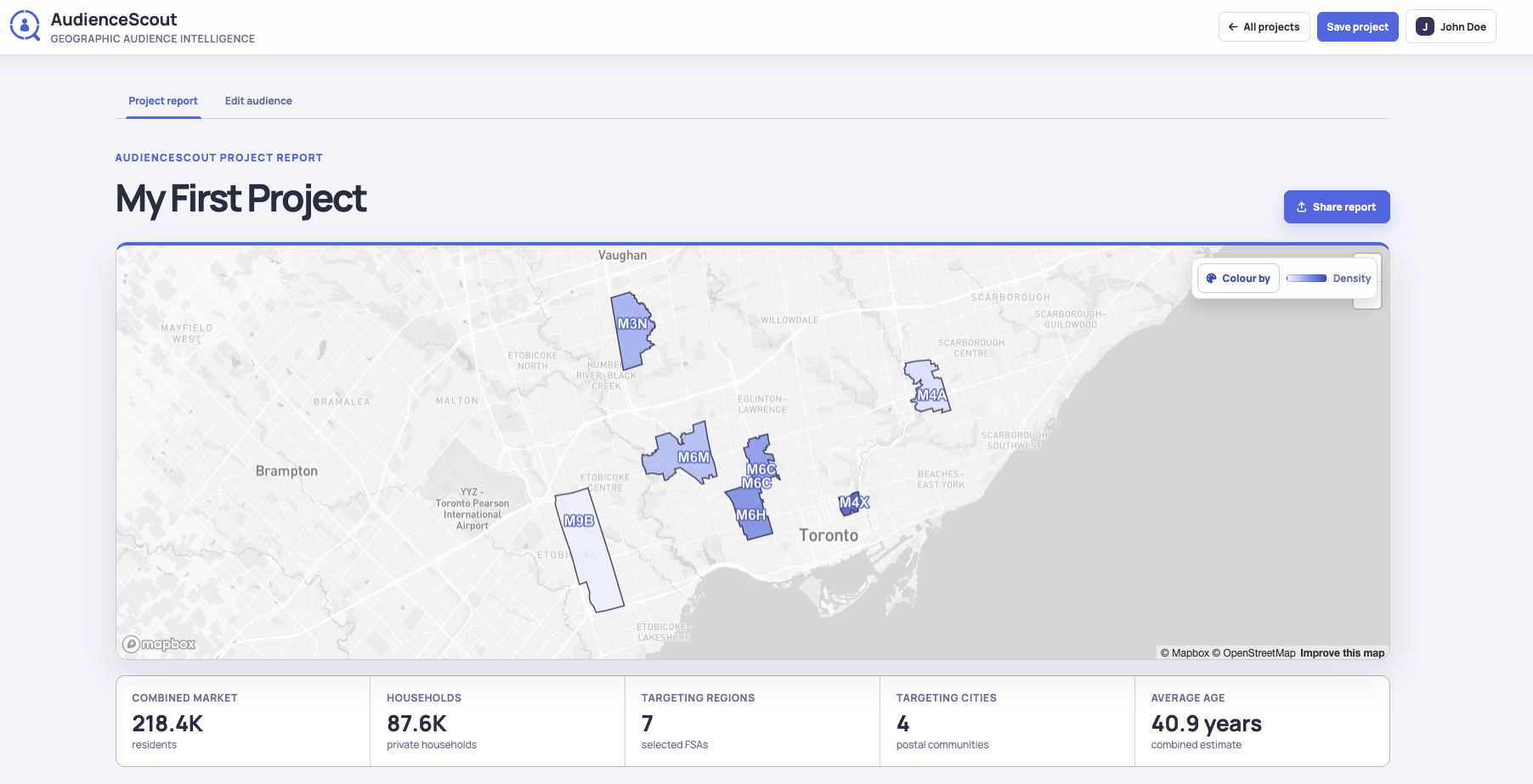
Combined market size
See the total residents and private households represented by every selected postal region, with the combined result recalculated as the geography changes.
Geographic market sizing guide
Measure the population, households, customer concentration, and audience characteristics across the Canadian postal regions you want to reach.
Size a real campaign geography
A useful market estimate begins with a clear geographic footprint. AudienceScout lets you select Canadian forward sortation areas (FSAs), combine them into one market, and see the population and private households represented by that campaign area.
AudienceScout’s market sizing tool compares individual regions, groups several postal regions into one service area, and evaluates multiple cities with a consistent set of measures. The combined audience profile updates as regions are added or removed, making it easy to test a focused core market against a broader expansion plan.
If you already have customer postal codes, import them in bulk to add customer concentration to the analysis. Frequency and customer penetration help show where the current customer base is strongest and where a large local market may still have room to grow.
Geographic Market Sizing features
Build a practical market view from the postal regions, measures, and campaign signals that support the decision.
See the total residents and private households represented by every selected postal region, with the combined result recalculated as the geography changes.
Map imported postal codes by frequency and compare entries per 1,000 residents or households to find markets with strong customer penetration.
Understand how the selected market is distributed across age groups, household types, income, housing, education, immigration, and work patterns.
Turn the final market into a clean FSA targeting list, a saved AudienceScout project, or a report that explains the market opportunity.
How it works
Move from Canadian postal geography to an audience and campaign plan your team can review and use.
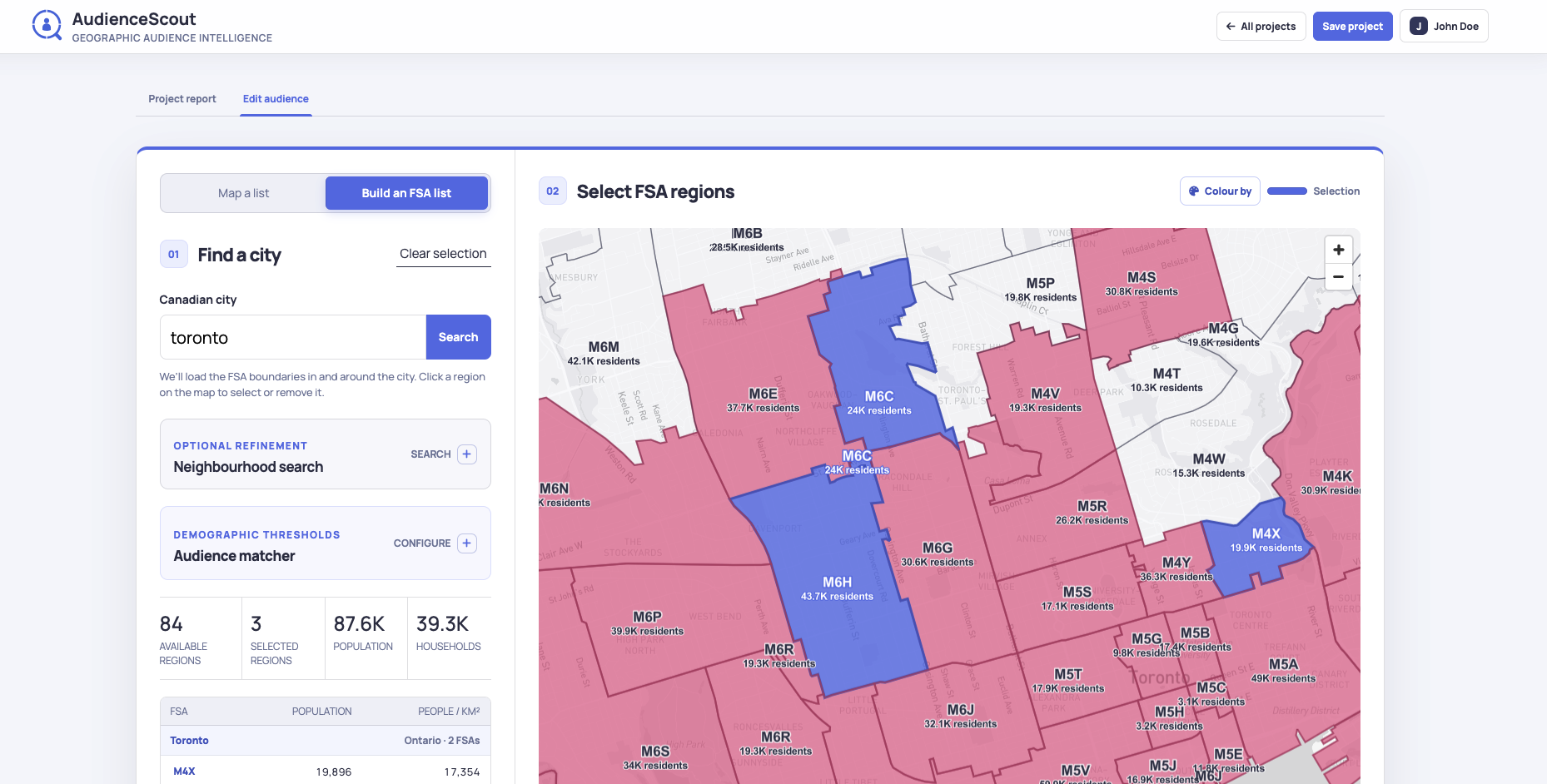
Search a Canadian city and select its postal regions, or paste a list of postal codes to map an existing customer or response base.
Review the combined population, households, cities, and postal regions. Add customer penetration and demographic context when those measures support the campaign objective.
Set audience matching thresholds for income, household volume, multiple age groups, families, home ownership, or education to find the regions that meet the campaign criteria.
Save the selected regions, copy the FSA list for media targeting, and generate a report that connects the market size to the campaign strategy.
From size to opportunity
Population and household totals establish the scale of a market. AudienceScout adds the local context needed to decide how much of that market is relevant to a specific offer and how the regions compare with one another.
Audience matching thresholds can turn a large city into a more focused set of regions. A home-services campaign could require a minimum household count, a strong share of owner households, and selected age-group minimums. A retail campaign could combine customer penetration, household income, and nearby market similarity to identify practical expansion areas.
Ways to use it
Size the postal regions available for a paid media campaign, then export the FSA codes used to define the geographic audience.
Combine serviceable postal regions, measure the households inside the footprint, and focus the plan on areas that match operational capacity.
Compare customer concentration and market size around existing locations, then look for nearby regions with attractive audience characteristics.
Geographic Market Sizing questions
It measures the combined population and private households across selected Canadian FSA postal regions. It also connects those totals with customer concentration, demographics, business activity, local facilities, and modeled platform audience potential.
Yes. An AudienceScout project can combine postal regions from multiple Canadian cities, allowing you to measure a regional campaign footprint or compare a group of service areas in one plan.
Yes. Paste postal codes or import them in bulk to create a frequency map. AudienceScout keeps duplicate occurrences for concentration analysis and connects the resulting FSA regions with local market measures.
Thresholds help identify the parts of a market that fit the campaign. Set minimums for household income, household count, multiple age groups, families with children, home ownership, or education, and AudienceScout highlights regions satisfying every active requirement.
Yes. Copy or download the selected FSA codes for campaign setup. Professional projects can also create editable campaign reports and public read-only report links.
Yes. The free Market Size Calculator models potential responses, conversions, orders, and revenue from a household count. It is useful after geographic market sizing when you want to test campaign economics for a proposed market.
Related AudienceScout guides